 Orbilla
Free
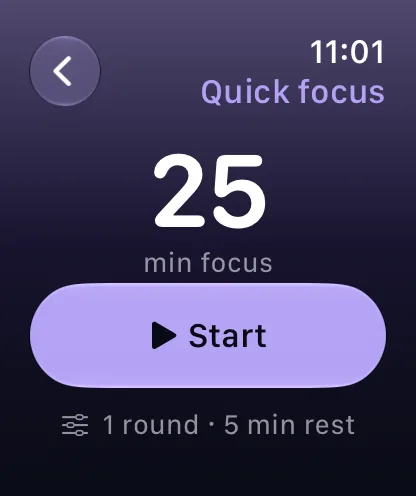
Quick focus
Set 5 to 180 minutes with the Digital Crown.
Quick focus on Apple Watch: set the minutes with the Digital Crown, press Start, and feel the haptics. It is free.



The time, the round you are on and a pause, at a glance.
Free
Set 5 to 180 minutes with the Digital Crown.
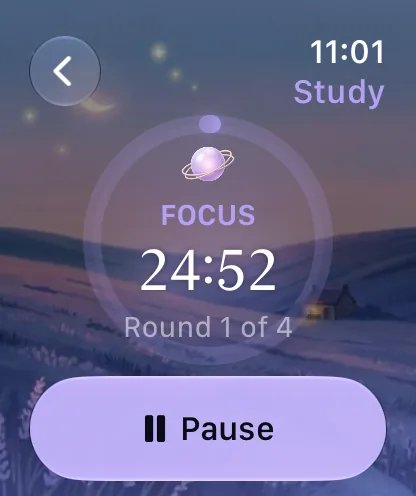
The countdown, the round and a Pause button, with haptics.
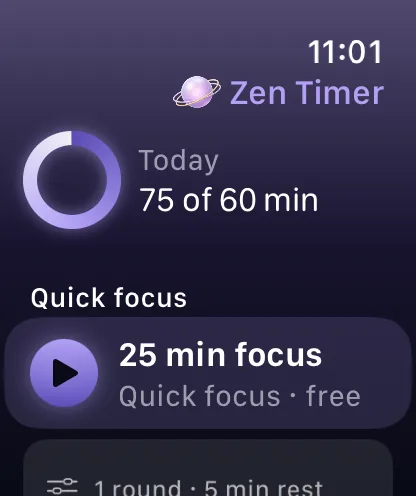
Today’s minutes against your daily focus goal.
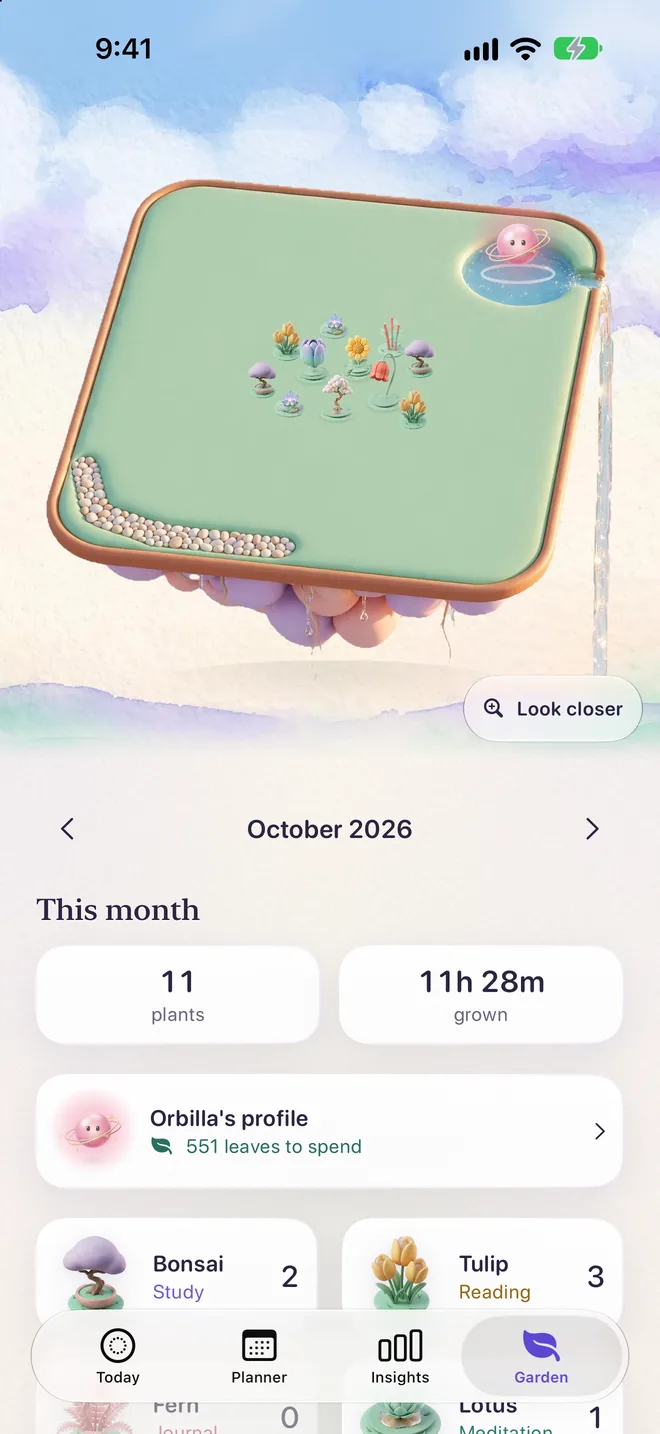
Zen Timer is one app on iPhone, iPad, Apple Watch and Mac, and a session finished on your wrist counts like any other: Orbilla climbs its eight ranks, and a plant arrives in your garden for every routine you finish. Both are free.
Meet Orbilla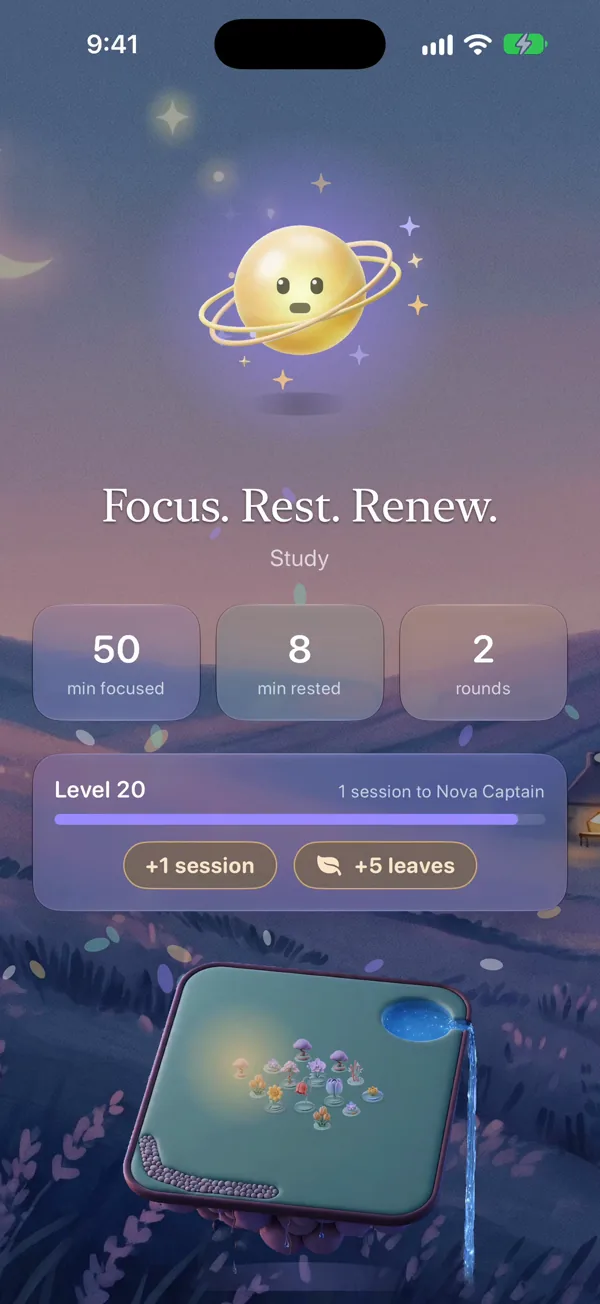
Everything Zen Timer does is on the Zen Timer page. More answers on Support.
Quick focus is free. Your own routines on the Watch come with Zen Plus.
Turn the Digital Crown: 5 to 180 minutes.
Only if you turn it on. With an Apple Watch, workouts you start on the Watch are recorded with heart rate and calories. Workout is a Zen Plus mode.
Yes. One plan covers iPhone, iPad, Apple Watch and Mac.
One with watchOS 10 or later.
 Scan with