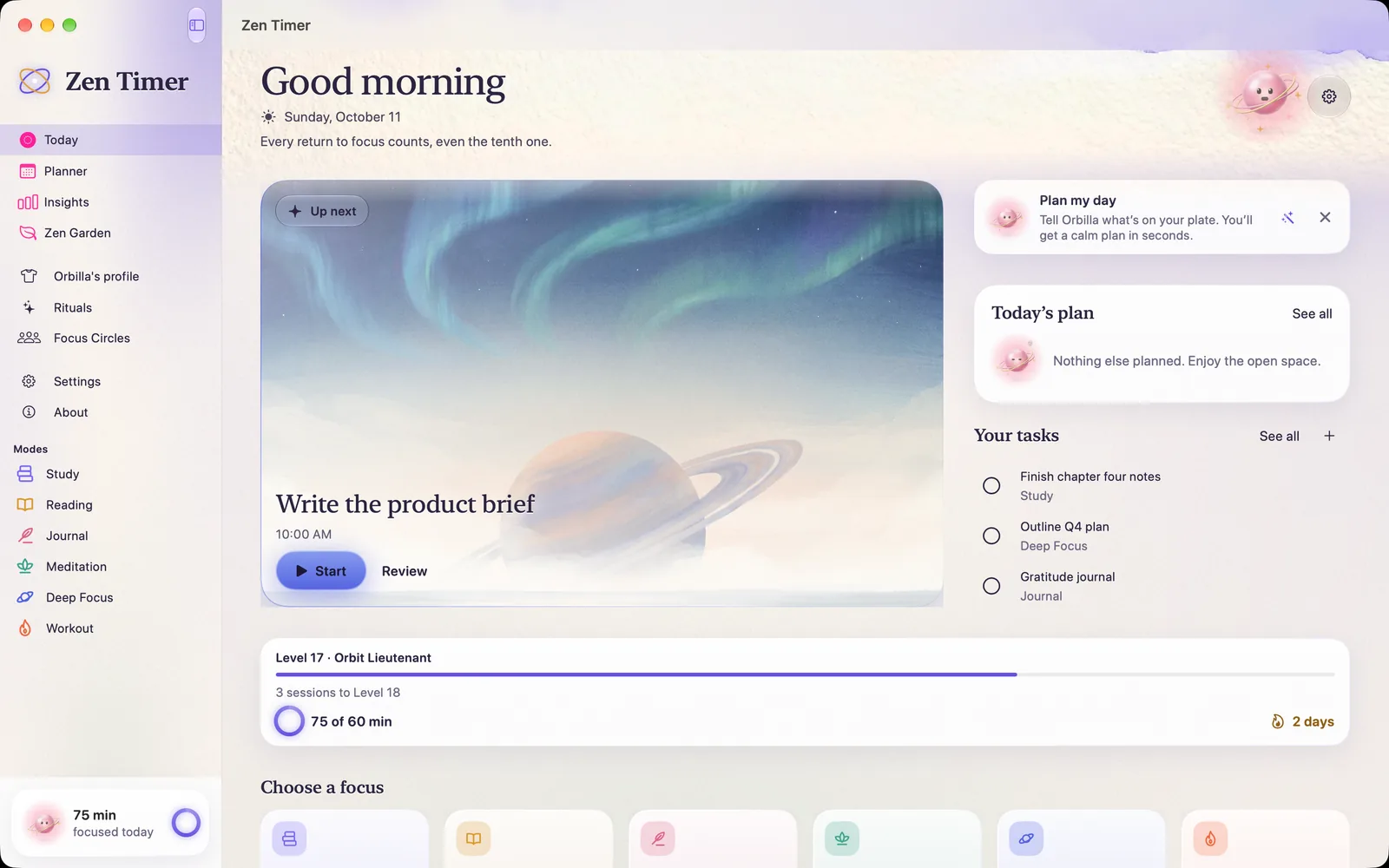
A calm focus timer for your Mac.

Zen Timer on Mac is the app in its own window, and a menu bar timer.

Download Zen Timer on the App Store Download Zen Timer on the Mac App Store

The app, on a big screen.

Today, the Planner, Insights and the Zen Garden, in a sidebar.

Today on Mac: Good morning, Write the product brief ready to start, and the six modes in a sidebar.

Today

Your next focus and one Start, with the six modes in the sidebar.
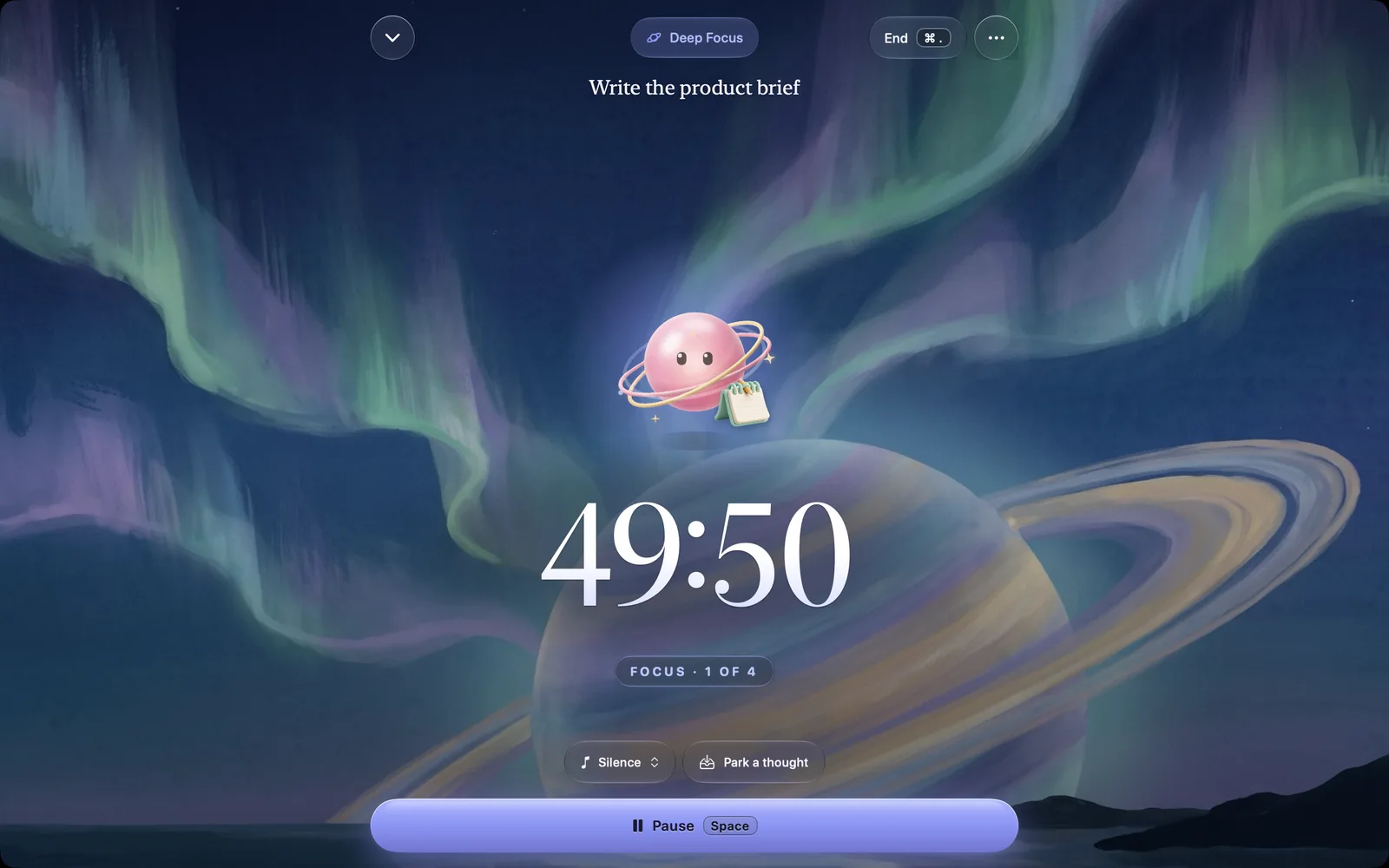
Zen Timer on Mac: a Deep Focus session, Orbilla above a 49:50 countdown under a painted aurora.

A session

Orbilla’s ring over a painted or living scene, in its own window.
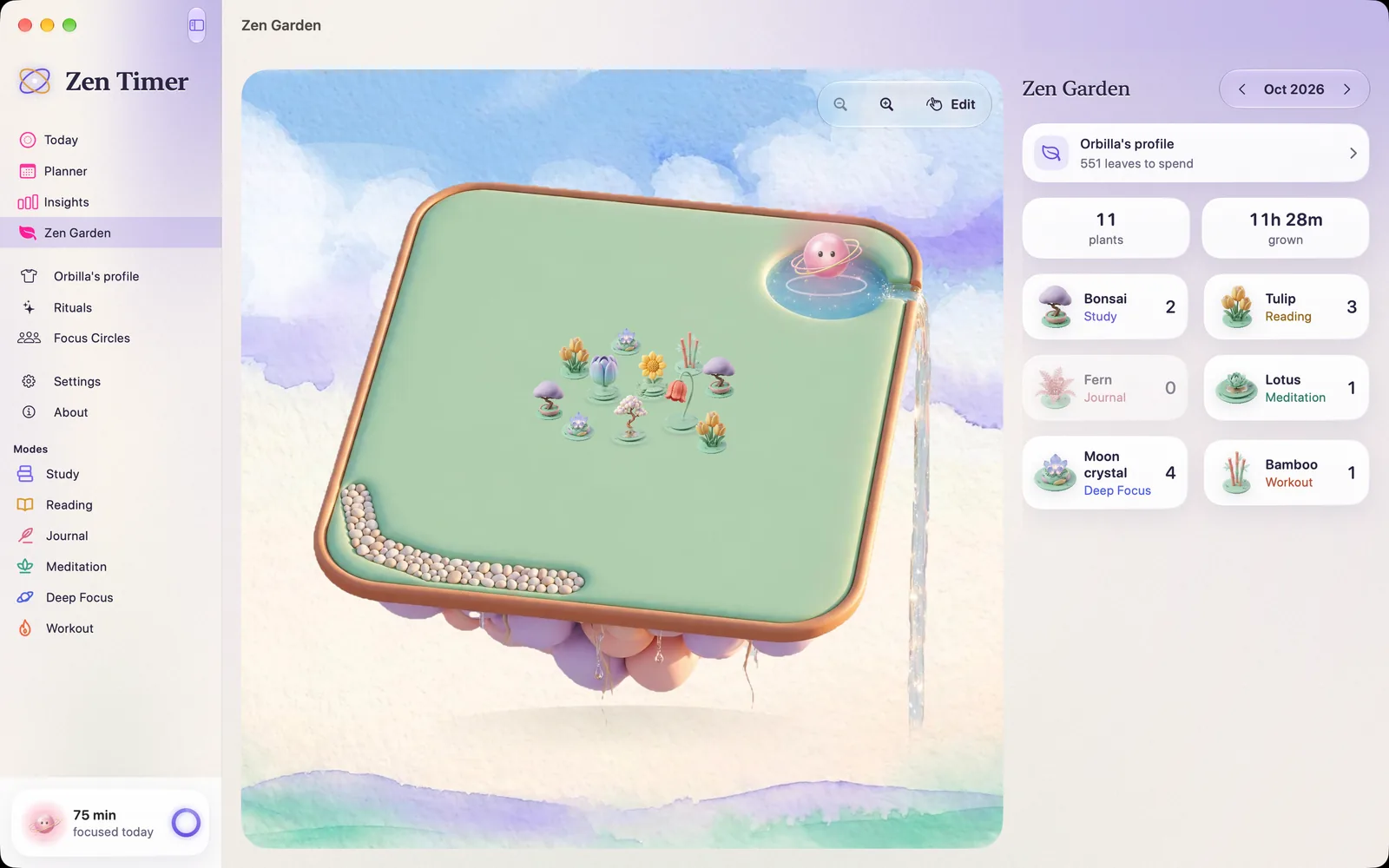
The Zen Garden on Mac: October’s island with eleven plants, Orbilla on its pond, and a count for each kind of plant.

Your garden, large

This month’s island, and every plant on it.

The same garden, on a big screen.

Every routine you finish at your Mac plants your month’s island, and Orbilla climbs its ranks as the sessions add up. Both are free.

Meet Orbilla

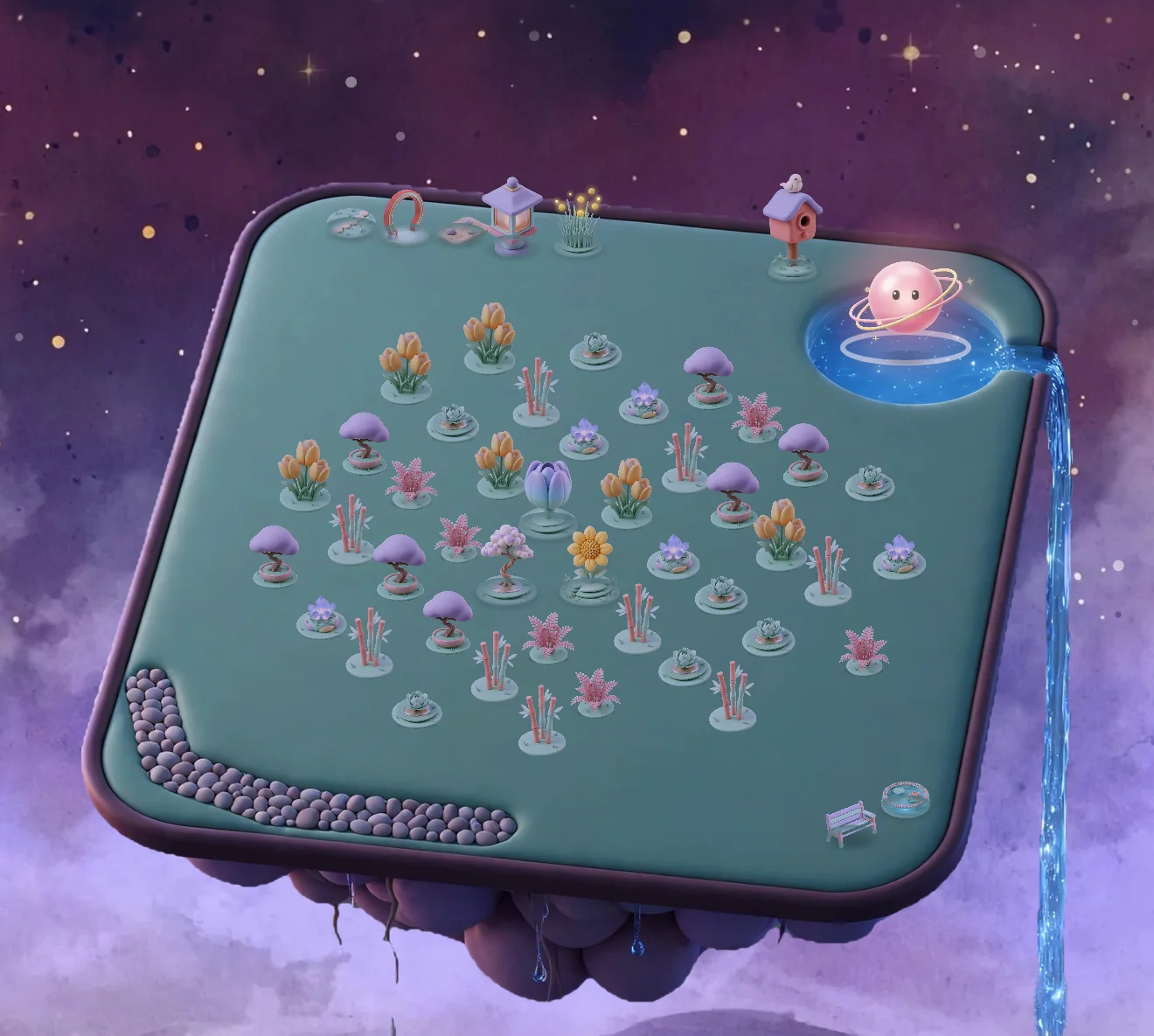
A Zen Garden island floating in a dawn sky: eleven small plants on a green lawn, a pebble path, and Orbilla resting on its pond beside a waterfall. A full month in the Zen Garden at dusk: September’s island covered in plants, a path of pebbles, a lantern and a birdhouse, and Orbilla on its pond.

About the Mac app.

Free to start.

Plans and prices
Is the Mac app a separate purchase?

No. One plan covers iPhone, iPad, Apple Watch and Mac.

Is there a timer in the menu bar?

Yes, as well as the app in its own window.

Do my sessions sync with my iPhone?

With Zen Plus, iCloud sync keeps your devices in step through your own private iCloud. There is no account, and no server of ours.

What is different on the Mac?

The Mac app has no Focus protection, Apple Health or alarms on silent.

Which Macs does it run on?

Macs with macOS 15 or later.

A calm timer beside your work.

Free to start.

Download Zen Timer on the App Store Download Zen Timer on the Mac App Store
QR code to download Zen TimerScan with
your iPhone